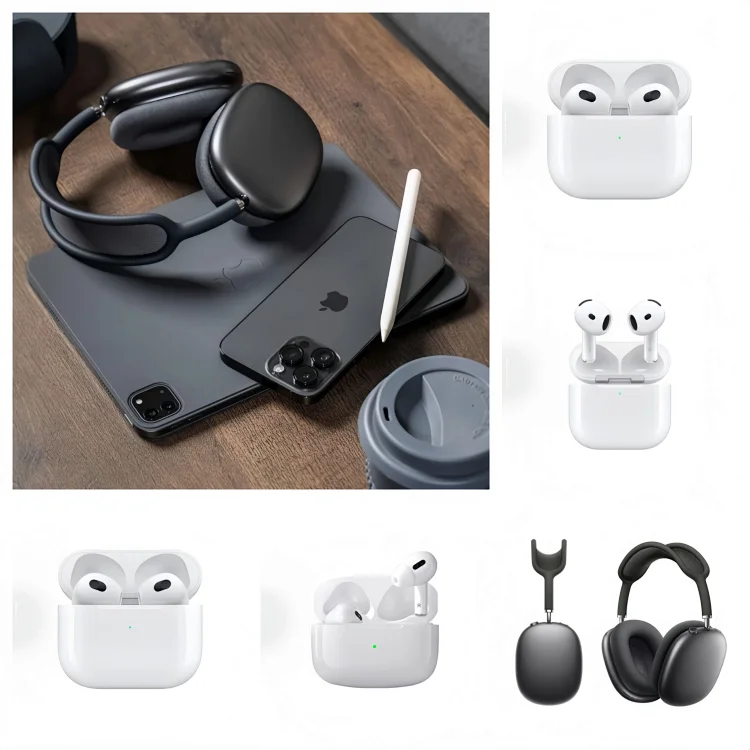
Spreadsheet
KAKOBUY SHEETDESKKakobuy
Kakobuy
Spreadsheet.
Your next find, without the endless tabs. Explore shoes, clothing and everyday extras. Compare seller photos, check the details, then make your move.
Explore the collection09
Electronics
A fresh selection from the collection. Open a find to see its seller gallery and available QC photos.
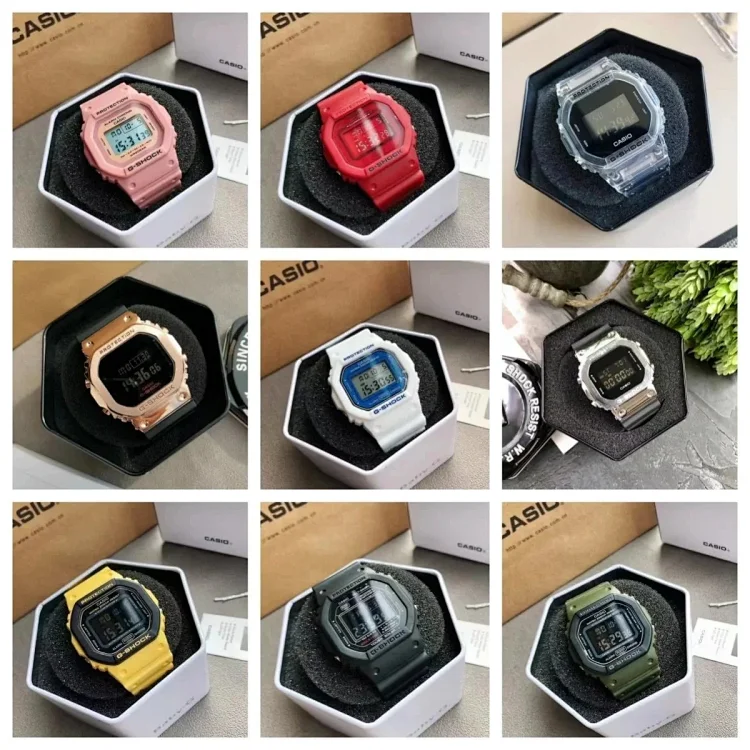


01—06 / 12View all finds
Beginner guide
Read the full beginner guideFrom first find to first parcel.
A clear walkthrough of product links, sizing, warehouse photos and your international parcel.
Questions
Before you make your move.
What is Kakobuy Sheetdesk?+
Kakobuy Sheetdesk is an independent place to discover and shortlist products from Chinese marketplace listings. It does not sell the products, take your payment or arrange delivery. The Create account link opens Kakobuy registration, and the purchase button on a product detail page opens that item on Kakobuy.
Start with the product atlas: browse six finds on the first page, turn to the second page for the next six, or choose a category chapter. Open a product to inspect its seller gallery, reference price, original listing and any available QC archive. Complete the actual order and manage it in your own Kakobuy account.
Where does the Spreadsheet button go?+
The Spreadsheet navigation link opens kakobuymake.com, the main product spreadsheet, in a separate tab. It is a different destination from this site's product atlas and local category pages.
To keep browsing on Sheetdesk, use the category selector above the atlas. Choosing a chapter changes the small selection shown on the homepage. Use View all finds below that selection to open the complete local category, where you can move through pages, sort products by reference price and change the desktop column count. Another selection changes the preview products; it does not change your cart or place an order.
How do product links work?+
A find first opens a Sheetdesk detail page. Its Open on Kakobuy button carries the original Weidian item ID into the Kakobuy product link. For example, the supplied listing uses item ID 7894400057. The Original Weidian listing link lets you compare the source directly.
Before paying, compare the item ID, listing title and photos across the pages. Then select the exact colour, size, model or version inside Kakobuy: a shared listing can contain several different options, and the lowest displayed price may belong to only one of them. If a listing will not load, retry the original link or ask Kakobuy support to check it rather than choosing an unrelated replacement.
Why can a listing change or disappear?+
A seller can change a listing's price, available sizes, options or stock after it appears here. Sheetdesk's catalog is a collected reference, not a live stock reservation, and it does not promise an automatic daily refresh. Currency conversions are estimates as well.
Treat Kakobuy's current product page and final checkout as the place to confirm availability and the amount payable. If the source is unavailable, check the original Weidian listing and ask whether the specific variant can still be ordered. If you have already paid, check the existing order and contact support with its order number before attempting another purchase.
Are seller photos the same as QC photos?+
Seller gallery images show what a listing offers: they may include multiple colours, stock photos or a size chart. QC photos show a specific item photographed after warehouse receipt. The QC archive on Sheetdesk is kept separately below the seller gallery and is reference material from an earlier item.
Use seller photos to identify the design and variant you want; use archive QC to see details worth checking. After your own order arrives, examine the photos attached to that order in Kakobuy. The same item link can produce a different size, colour or batch, so an attractive archive image is not confirmation that your parcel contains the identical item. If an archive is missing, inspect your own warehouse photos before requesting shipment.
What should I check in QC photos?+
First compare the received item with your ordered colour, size and version. For shoes, inspect both shoes together, the size labels, toe and heel shape, stitching, sole edges and obvious marks. For clothing, check the label, print or embroidery placement, seams, fasteners and the measurements that affect fit. For bags and belts, look at edges, stitching, hardware and the relevant lengths.
If a detail cannot be seen clearly, request a close-up or a specific measurement and explain exactly what you need checked. Photos are an appearance check: they do not by themselves establish authenticity, long-term durability or the working condition of electronics. Confirm any special inspection request with support before approving international shipping.
How should I choose a clothing size?+
Use the measurement chart for that exact seller listing and selected version, rather than assuming your usual S, M or L will fit. Measure a similar garment you already like: chest width and body length for a top, or waist, rise and inseam for trousers. Compare the same measurement method on both sides.
Check whether the chart uses centimetres or inches, and whether a waist value is a flat measurement or a circumference. Allow for your preferred fit instead of treating every garment as equally close-fitting. If no usable chart exists, ask for clarification before buying. Once the item reaches the warehouse, request the most important measurements if the label or photos do not settle the sizing question.
What if my item has a visible problem?+
Keep the item in the warehouse while the issue is being reviewed. Record the order number, explain what you ordered and what appears wrong, and attach or identify the relevant QC photo. For example, specify a wrong size label, an incorrect colour or the exact location of a visible defect instead of simply saying that the item looks bad.
Ask Kakobuy support whether the seller will accept a return or exchange, what deadline applies, who pays any return postage and how a refund would be handled. Those conditions can depend on the order stage and seller. Contact support promptly; do not assume every item has the same return terms, and resolve the request before adding that item to an international parcel.
Does the displayed price include delivery?+
The amount shown beside a find is a reference product price, not a delivered-to-your-door quotation. Your first checkout may include the selected variant, Chinese domestic delivery and any applicable payment or service charges. Later, the international parcel can add shipping, packaging, insurance and any other services you choose. Destination taxes or duties may also affect the overall cost.
Changing the display currency only converts the browsing estimate. It does not lock an exchange rate, waive fees or determine Kakobuy's checkout conversion. Review the item subtotal and each extra charge on the current payment screen, then budget for international delivery separately. A low product price alone is not a reliable way to compare the total cost of two purchases.
Why are product and shipping payments separate?+
There are two different stages to plan for. First, you buy the item and arrange its delivery from the seller to the warehouse. After receipt and your QC review, you choose which items to put into an international parcel, how to package them and which available route to use.
At the first stage, the final parcel dimensions, packing materials and combined weight are not yet fixed. That is why the product payment does not normally settle the international shipment. Review the shipping quotation when you submit the parcel and check whether packing or final weighing changes the amount. Do not estimate the second payment by adding together product prices; the parcel's weight, size, contents and destination matter.
How do I compare shipping options?+
Compare current quotes for your actual destination and the particular items you intend to send. Check which item types a route accepts, any weight or size limits, how chargeable weight is calculated, and what packaging is included. A larger box can change the quotation even when the goods themselves are light.
Next compare the delivery estimate, tracking arrangements and any insurance or compensation terms you are considering. Confirm what the quoted price includes rather than inferring it from a route name. If an item is perfume, an electronic device or another product with special handling needs, ask whether that exact item is accepted. Route availability, prices and estimated transit times can change; use the options currently offered for your parcel.
Can this site track or manage my order?+
Use your Kakobuy account to manage payments, seller purchase status, warehouse requests and parcels. Sheetdesk only supplies browsing references and outgoing links; it cannot see your private order history, access your balance or make changes to your shipment.
Before dispatch, check the order and warehouse sections for the item's current stage. After dispatch, Kakobuy's help directs users to My Parcel and Logistics Details for tracking. Keep the parcel number and the latest tracking event if you need support to investigate. Updates can be delayed between logistics stages, so one missing scan is not proof of loss. For a persistent problem, contact support about the specific parcel and the last recorded event.